
Bridge vs Moxie: the business and the site.
Moxie is a low-cost suite for running a freelance business. Bridge is a focused tool for working with clients on their Squarespace sites.
Bridge and Moxie, Side by Side
Moxie covers a lot for the price: projects, time tracking, proposals, contracts, invoices, scheduling and, on Pro, a client portal. What it doesn’t have is anything on the website itself. Bridge lives inside your client’s Squarespace editor, where most of the feedback on a site starts.
Moxie details from withmoxie.com/pricing and its help center, checked October 6, 2026.
Where Bridge Fits Next to Moxie
Feedback that starts on the site
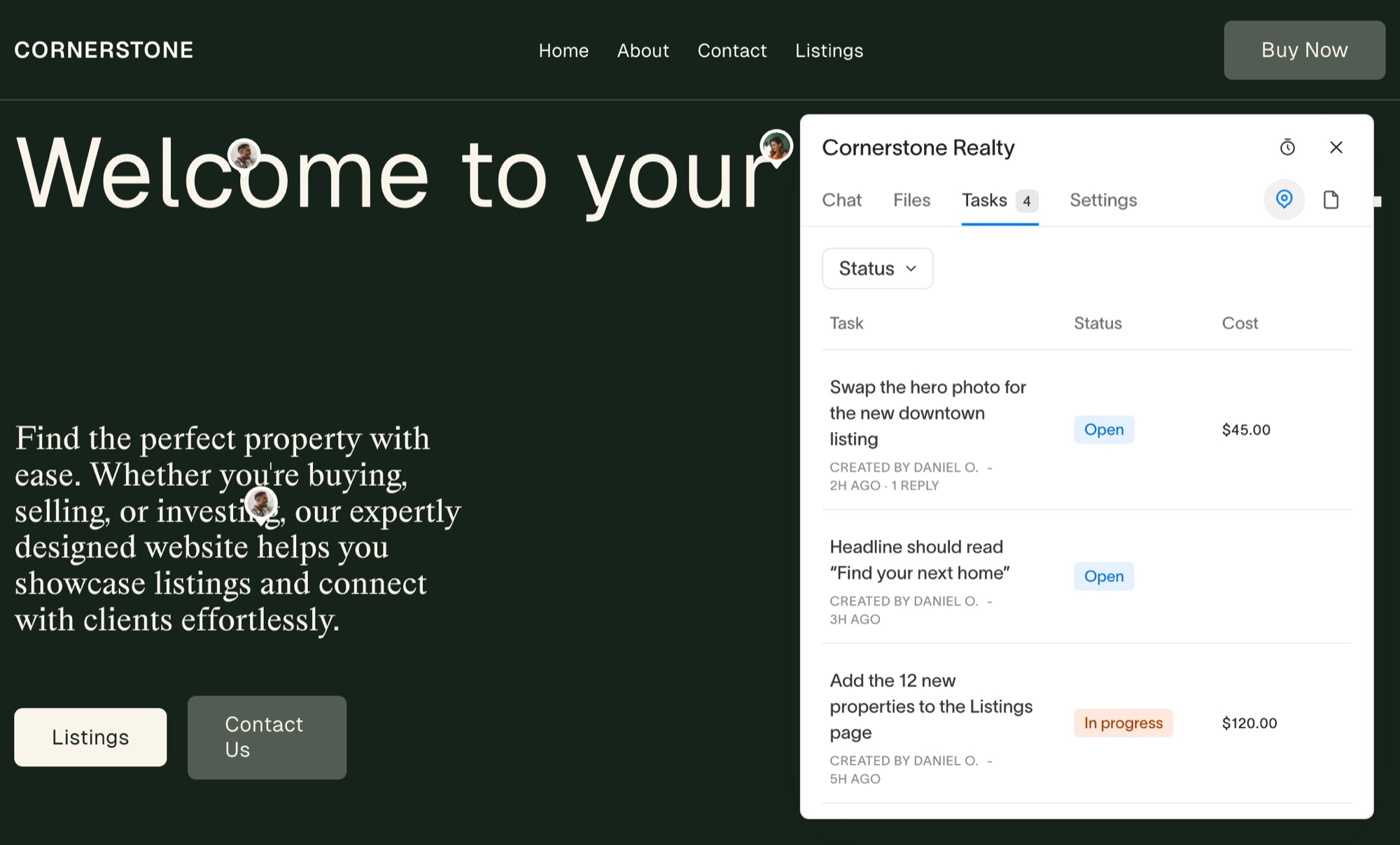
A Moxie ticket or inbox message is still a description of the site written somewhere else. In Bridge, your client pins the note on the page in their Squarespace editor and you get a screenshot, their browser and their window size with it.
A portal on every plan
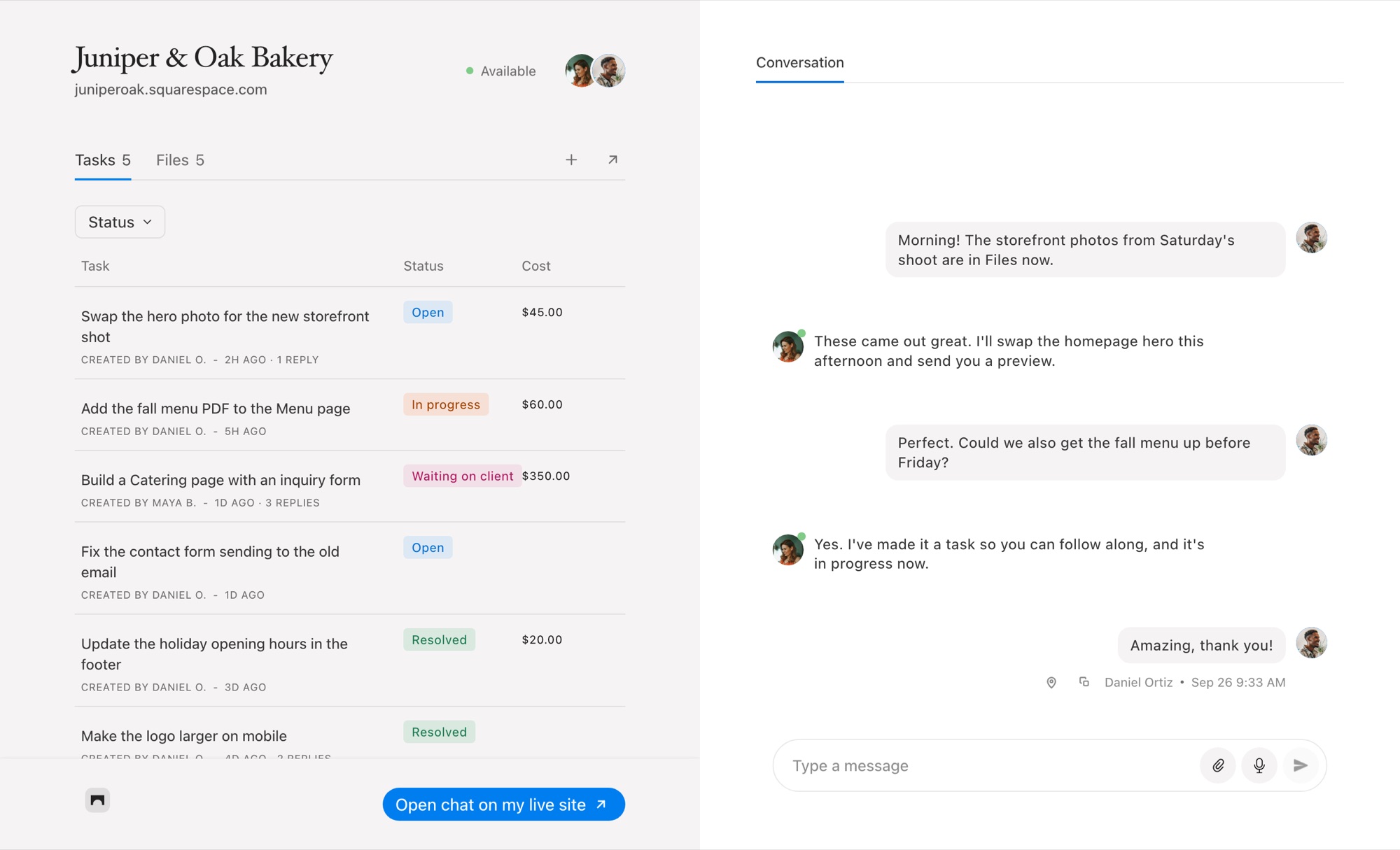
Moxie’s client portal starts on Pro. Every Bridge plan gives each project a chat page your client signs in to with an emailed link, with their tasks, their conversation and anything they owe. See client profiles.
Priced for the sites you look after
Bridge plans are set by how many Squarespace sites you manage, and your clients never pay for it. The only thing they pay for is a task you priced.
When Moxie Is the Better Choice
If you want one inexpensive tool for proposals, contracts, invoices, scheduling, accounting and time tracking across every kind of client work, Moxie covers far more ground than Bridge. It isn’t tied to any website platform.
If your clients are on Squarespace and the mess is in the build, the scattered feedback and the unbilled small changes, Bridge handles that part, and it can sit alongside Moxie.
Common Questions
Can Bridge replace Moxie?
Not for proposals, contracts, invoicing or scheduling. Bridge replaces the scattered messages and feedback during a Squarespace build, and takes payment per task.
Does Moxie have website feedback?
No. Moxie has no way to pin feedback to a page on a client’s site. Bridge does it inside the Squarespace editor.
Is Bridge’s client portal included on every plan?
Yes. Every Bridge plan gives each project a chat page your clients sign in to with an emailed link, no password.
Comparing other tools? See every Bridge comparison.

Chat directly
on Squarespace.
Bridge helps you stay connected with the clients you manage. Chat directly and make every conversation count.


